
Smart Security Cameras • Bel Air, MD
The Homeowner’s Guide to Buying a Smart Home Security Camera
Watched the YouTube comparisons, scrolled the Reddit threads, and still stuck between a $40 Wyze and a $400 Arlo? This guide breaks down what actually matters before you buy.
What Makes a Smart Home Security Camera Worth Buying?
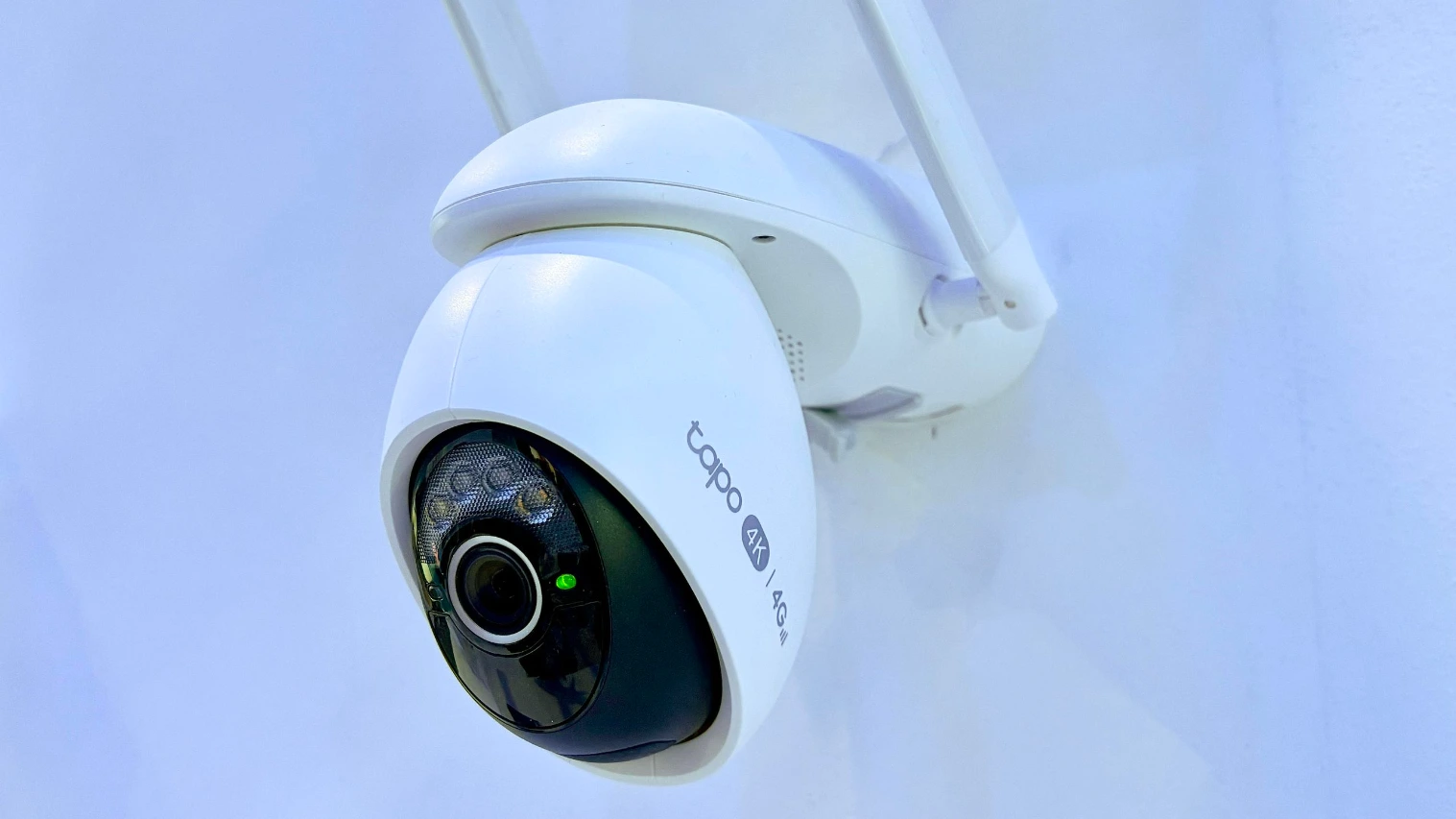
The best smart home security cameras separate real protection from a glorified webcam. Start with resolution: 1080p is the floor in 2026, while 2K or 4K is worth the upgrade for driveways, entry points, and areas where you may need to identify a face or license plate.
Field of view matters next. Anything below 130 degrees can leave blind spots. From there, compare night vision, storage options, power source, and weather rating. For outdoor smart cameras in Maryland, IP65 is the minimum you should accept.
What Kind of Smart Camera Does Your Home Actually Need?
Smart cameras for home use fall into four practical categories. The right mix depends on your property, not the marketing on the box.
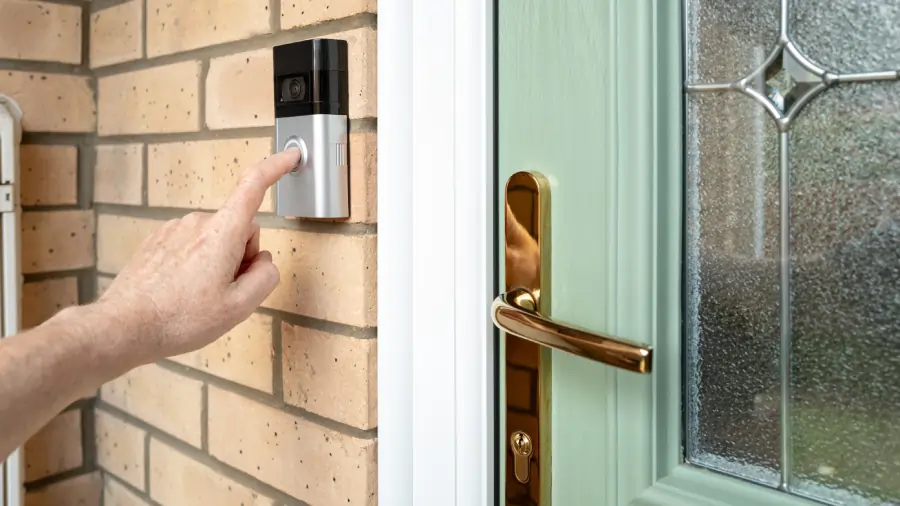
Video Doorbells
Best for the highest-traffic entry point and package deliveries.
Outdoor Cameras
Best for driveways, side yards, garages, and back entrances.
Floodlight Cameras
Best for dark backyards where visibility and deterrence matter.
Indoor Cameras
Best for pets, kids, vulnerable family members, and interior peace of mind.
Most Bel Air homes are well-covered by a video doorbell, two outdoor cameras, and one or two indoor units. Larger properties may need a floodlight camera and Wi-Fi mesh extension.
Ring, Nest, Roku, Arlo, and Wyze—How Do the Top Brands Compare?
There is no single “best” brand. Ring wins on ecosystem breadth, Nest on AI smarts, Roku and Wyze on price, and Arlo on raw image quality.
| Brand | Price Range | Subscription? | Best For |
|---|---|---|---|
| Ring | $60–$250 | Ring Protect for recording history | Alexa users and broad device choice |
| Google Nest | $100–$400 | Nest Aware for full features | Google Home households |
| Roku | $25–$80 | Optional cloud storage | Budget-conscious buyers and renters |
| Arlo | $130–$350 | Arlo Secure for most features | Image quality and wireless flexibility |
| Wyze | $30–$100 | Optional Cam Plus | DIY-friendly buyers |
What Homeowners Get Wrong When Installing Smart Cameras
The cameras themselves are only half the equation. Installation is where most home smart camera setups fail.
Common mistakes include mounting cameras too high, choosing locations with weak Wi-Fi, ignoring sun glare, underestimating doorbell transformer voltage, and skipping weatherproof outdoor outlets.
A camera mounted at eight feet may capture the top of a hat. The same camera at six to seven feet can capture a face. A Ring doorbell on an undersized transformer may reboot constantly and fail to charge.
When You Should Hire a Professional for Smart Home Security Camera Installation
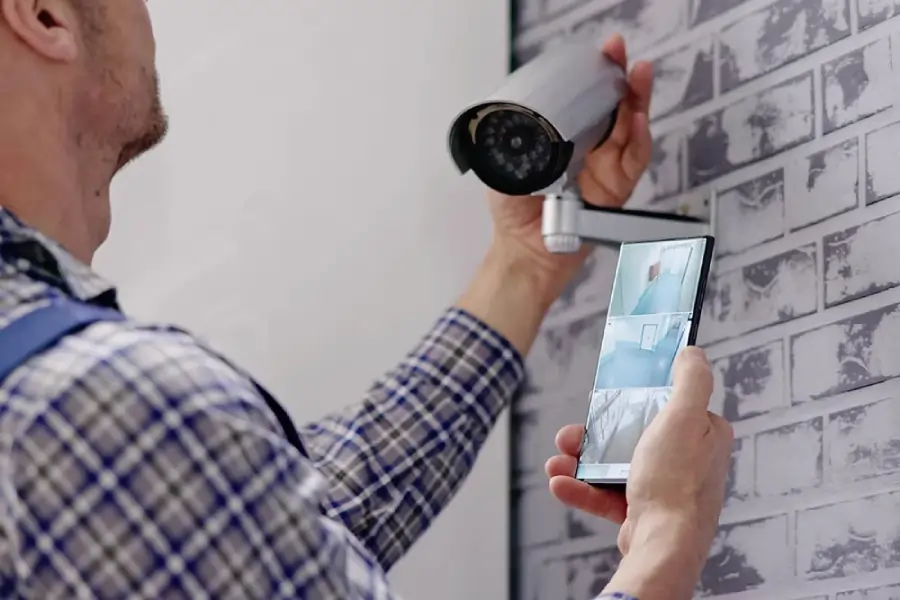
Single indoor cameras and basic battery doorbells are often DIY-friendly. Professional installation makes more sense when the project involves new wiring, an outdated doorbell transformer, weatherproof outdoor outlets, multiple cameras on dedicated circuits, or Wi-Fi extension to detached structures.
A licensed electrician can also catch code and safety issues homeowners often miss, including undersized wire gauges, improperly grounded outdoor circuits, and exterior penetrations without proper weatherproofing.
Benfield Electric has installed electrical systems in Bel Air and across Harford County since 1968. We handle Ring, Roku, Nest, Arlo, Wyze, and every major brand.
FAQs
Frequently Asked Questions
What are the best home smart cameras for a typical family home?
For most Bel Air families, a Ring or Nest video doorbell plus two outdoor cameras and one indoor unit covers the most important entry points.
Are Ring cameras better than Nest cameras?
Ring has a broader lineup and stronger Alexa integration, while Nest offers better AI-driven motion detection and Google Home compatibility.
Does Roku make smart cameras for home use?
Yes. Roku offers indoor and outdoor smart cameras that integrate with Roku TVs and are among the more affordable options.
Do I need professional smart home security camera installation?
DIY works for simple battery cameras. Hire a professional for hardwired cameras, multiple devices, transformer upgrades, new wiring, or outdoor outlets.
Can smart cameras work without Wi-Fi?
Most need Wi-Fi for alerts and streaming, but some include local SD storage that can keep recording during internet outages.
How much does home smart camera installation cost in Bel Air, MD?
Professional installation often ranges from $150 to $500 per camera depending on wiring, mounting location, and whether new outlets or transformer upgrades are required.
Get Started with Professional Installation
Choosing the right smart home security camera is the first step—getting it installed correctly is what turns it into real protection. Benfield Electric offers free estimates for smart camera installation throughout Bel Air, MD and the surrounding Harford County communities, with same-day appointments when available and the family-owned accountability we have brought to every project since 1968.
Book your free estimate today: